A laptop stand for a small desk
A laptop stand for a small desk: compare folding and fixed stands by footprint, viewing height, keyboard space, and travel.
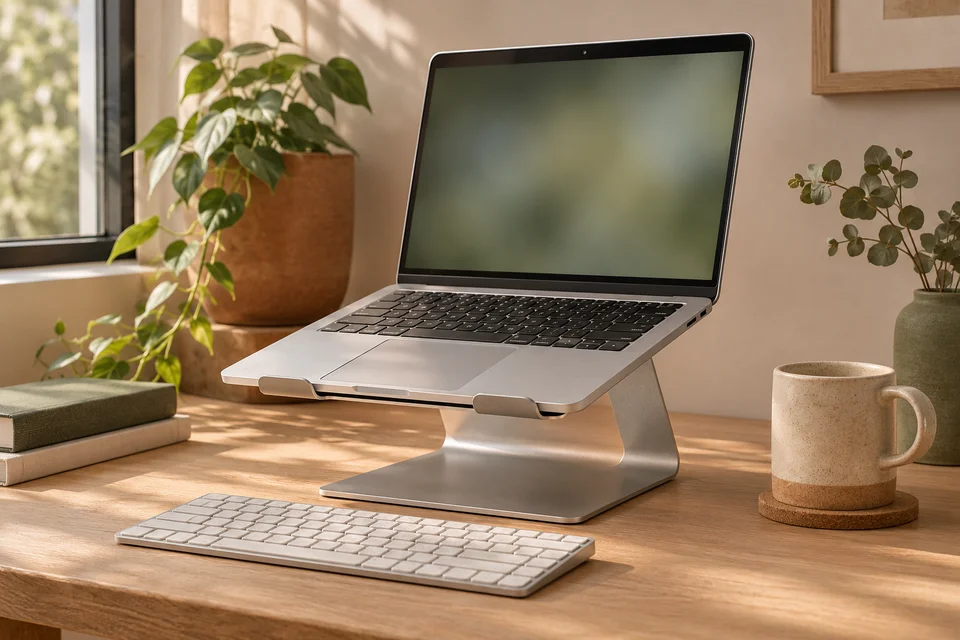
Put your laptop and any external keyboard on the desk before you buy a stand. Open the screen to your usual angle, then try the positions where a stand could sit. A stand that raises the screen but pushes your keyboard against the desk edge leaves you with a new problem to solve.
Measure more than laptop width
Check the usable depth and width of the laptop platform and compare both with the machine’s base. Look for the stated load limit and whether raised front stops can hold your laptop’s thickness. If you plug cables into the sides, see whether the supports cover a port or force a cable to run outward into the little desk space you have.
Check how the screen opens at your chosen spot. A laptop placed close to a wall may need extra space behind it to tilt. Test that clearance with the laptop at your expected height and keep the lid within its ordinary range of motion.
Match the height to the way you type
If you primarily type on the laptop’s keyboard, a low or gently angled stand keeps it within reach. Try lifting the rear edge slightly and see whether the angle feels usable for the way you type. If the stand needs to raise the screen much higher, plan space for a separate keyboard and mouse on the desk surface.
Compare the usable settings on adjustable stands. Some move through distinct notches rather than holding any angle. The highest setting alone tells you little if the two intermediate positions are too close together or one conflicts with your webcam angle.
Decide whether it needs to travel
A fixed stand can be convenient on a desk where it will stay all week. Compare its base footprint with the space available behind your keyboard. Some leave a usable opening underneath; measure that opening if you want to slide your keyboard into it at the end of the day.
A folding stand saves room in a bag and can suit a shared hot desk. Look at the hinge construction and how the stand locks into place. Narrow support arms save weight but may land under a laptop vent or leave a larger machine feeling less secure. Check the vent and foot positions on your machine against the listing photos.
Test your layout first
Mark the candidate stand’s footprint with a piece of paper and see where your keyboard, mouse, and charging cable would go. Use a firm, stable spacer to get a rough sense of your preferred screen height while the laptop is stationary. Once you know the height and footprint you need, compare stands by those dimensions and the fit of your laptop.
For the rest of a small-desk setup, see choosing a lamp for a small desk and an under-desk cable tray you can still reach.